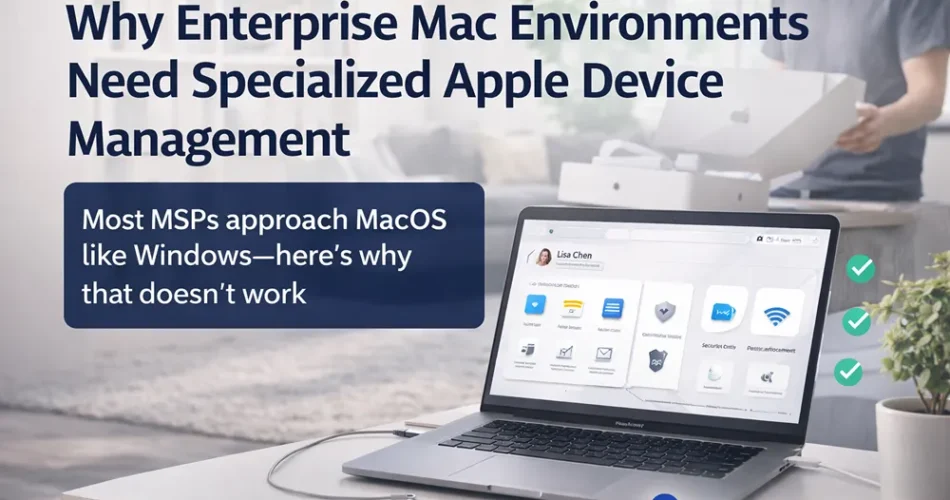
The MacBook arrives at your new employee’s home. They open the box, power it on, and within minutes they’re working – company applications installed, security policies enforced, network access configured, all without IT intervention.
This seamless experience represents what proper Apple device management delivers. Yet most organizations with Mac users never achieve it because they rely on generalist MSPs applying Windows-centric IT practices to Apple environments.
The result is manual device provisioning that wastes IT resources, inconsistent security configurations that create gaps, poor user experiences that frustrate Mac users, and lack of visibility that prevents effective management.
Managing Apple devices at enterprise scale requires specialized expertise, purpose-built tools, and deep understanding of how Apple’s ecosystem actually works. Ocean Solutions has been part of the Apple Consultant Network since inception, managing over 1,000 Mac endpoints across organizations operating in 100% Apple environments.
Why Generalist MSPs Struggle with Apple Environments
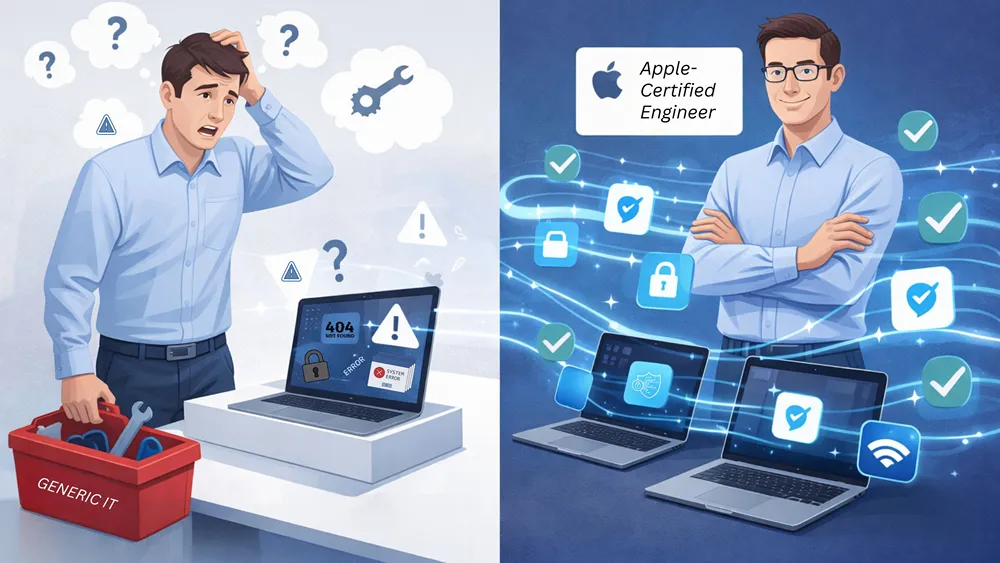
Most managed service providers position themselves as platform-agnostic, supporting Windows, Mac, Linux, and mobile devices through a single service offering. This generalist approach works reasonably well for Windows-dominant environments with a few Macs scattered throughout. It fails completely for organizations where Mac represents the primary or exclusive computing platform.
The Apple Expertise Gap
Managing Apple devices properly requires understanding Apple-specific technologies, tools, and approaches that differ fundamentally from Windows administration.
Apple Business Manager provides zero-touch deployment capabilities through Device Enrollment Program integration that has no Windows equivalent. Generalist MSPs familiar with Windows deployment tools often don’t understand how to properly implement Apple’s automated enrollment.
FileVault disk encryption integrates with Mobile Device Management for institutional key escrow and recovery in ways that differ from BitLocker management. Getting this wrong means lost data when employees forget passwords or devices fail.
macOS security architecture includes Gatekeeper, XProtect, System Integrity Protection, and Secure Boot mechanisms that require Apple-specific configuration knowledge. Applying generic security policies either breaks macOS functionality or leaves security gaps.
Apple’s privacy controls affect how applications access camera, microphone, files, and other resources in ways that require understanding macOS permission systems. Users experience mysterious application failures when these permissions aren’t properly managed.
The Creative Workflow Challenge
Many Mac-first organizations center on creative work – video production, graphic design, music creation, software development. These workflows have specific requirements that generic IT support doesn’t address.
Creative applications demand high-performance storage configurations for handling large media files. Standard IT storage policies designed for document management don’t account for multi-terabyte video projects or extensive photo libraries.
Color-accurate display calibration matters critically for design work. IT teams unfamiliar with creative requirements often implement power management or display policies that interfere with color accuracy.
Audio production requires specific interface configurations, driver management, and latency optimization that general IT support doesn’t understand. Musicians and audio engineers experience problems that standard troubleshooting doesn’t resolve.
GPU-intensive rendering and processing requires understanding how macOS manages graphics resources and how creative applications leverage Metal and other Apple frameworks for performance.
What Proper Apple Device Management Actually Delivers
Organizations that implement specialized Apple device management through experienced providers transform their Mac operations from reactive problem-solving to proactive optimization.
Zero-Touch Deployment at Scale
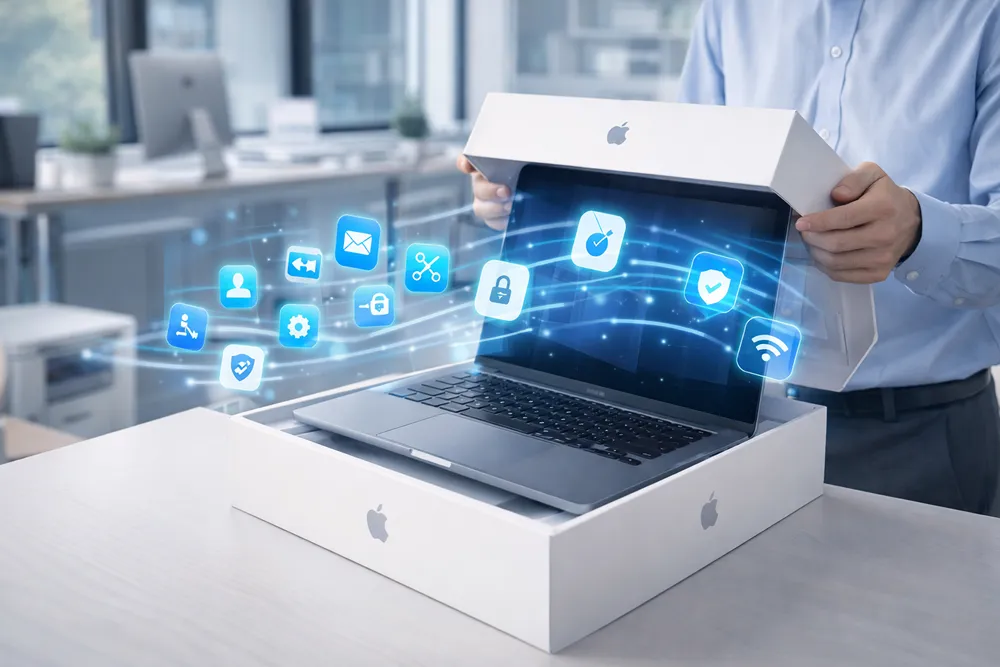
Proper Apple MDM enables true zero-touch deployment where new devices arrive from Apple already enrolled in your management system. When users power on their devices for the first time, automated enrollment kicks in, applying configurations, installing applications, and enforcing policies without IT intervention.
This automated approach delivers immediate benefits. IT teams stop spending hours manually configuring each new Mac. New employees become productive immediately without waiting for device setup. Security policies apply consistently from first boot, eliminating the gap between device arrival and proper protection.
Zero-touch deployment also supports distributed and remote workforces seamlessly. Devices can ship directly to employee homes anywhere in the world and arrive ready to use without requiring local IT support or complex setup procedures.
Ocean Solutions designs zero-touch workflows that integrate with your existing tools, processes, and security requirements. We ensure that automation delivers proper configuration while maintaining necessary flexibility for different user roles and requirements.
Centralized Security and Compliance
Apple MDM provides centralized policy enforcement across all managed devices, ensuring consistent security regardless of where devices operate or who uses them.
FileVault disk encryption enables automatically with institutional recovery keys securely escrowed in the MDM system. When employees forget passwords or devices fail, IT can recover data without compromising security.
Firmware password management prevents unauthorized booting from external devices or recovery modes. This protection persists even if devices are stolen or lost, preventing attackers from bypassing macOS security by booting alternative operating systems.
Configuration profiles enforce security settings, application restrictions, and system configurations that users cannot modify without administrative access. These profiles ensure that security policies remain in effect regardless of user actions.
Compliance reporting provides visibility into device security posture across the organization. IT teams can identify devices with outdated macOS versions, disabled security features, or missing required configurations.
Lifecycle Management from Procurement to Retirement
Professional Apple device management encompasses the complete device lifecycle, not just day-to-day operations.
Standardized device configurations ensure that all Macs meet minimum specifications for performance, storage, and capabilities. This standardization simplifies support, reduces compatibility issues, and ensures consistent user experience.
Planned refresh cycles transform unpredictable capital expenses into manageable, budgeted investments. Asset tracking reveals device age, depreciation, and performance trends that inform data-driven refresh decisions.
Vendor coordination streamlines procurement processes. Ocean Solutions works with Apple directly and through authorized channels to ensure devices arrive when needed with appropriate specifications.
End-of-life management ensures secure data sanitization before device disposal or repurposing. Proper procedures prevent data breaches from retired equipment while meeting environmental responsibility requirements.
Optimized User Experience
Effective Apple device management enhances user experience rather than interfering with it.
Performance optimization ensures that Macs run efficiently with appropriate resource allocation, disk space management, and application tuning. Users experience consistent performance throughout the device lifecycle.
Application deployment delivers required software automatically without user intervention. Updates install seamlessly without disrupting work. License management ensures compliance while providing access to necessary tools.
Remote support capabilities enable IT teams to diagnose and resolve issues without requiring physical access to devices. Screen sharing, remote command execution, and diagnostic log collection happen securely through MDM rather than requiring third-party remote access tools.
White-glove support for executive and creative users provides personalized assistance that respects their time and workflow requirements. Ocean Solutions delivers senior engineer support without tiered escalation that delays resolution.
The Security Imperative for Mac Environments
Apple devices face increasing security threats as their enterprise adoption grows. Proper security requires understanding macOS-specific threats and implementing Apple-native protections.
macOS-Specific Threat Landscape
While Macs historically faced fewer malware threats than Windows systems, this advantage has eroded as Mac adoption increased in enterprise environments. Modern Mac malware exploits macOS vulnerabilities, targets Apple-specific applications, and leverages social engineering against Mac users.
Adware and potentially unwanted programs represent common Mac threats that degrade performance and compromise privacy. These threats often bypass traditional antivirus through social engineering that convinces users to grant installation permissions.
Credential theft targeting macOS keychain and password managers provides attackers with access to stored credentials for websites, applications, and network resources. Compromised credentials enable lateral movement and data access without additional exploitation.
Supply chain attacks compromise legitimate software updates or installer packages to deliver malware through trusted distribution channels. Users installing apparently legitimate software unknowingly compromise their systems.
Apple-Native Security Controls
Proper Mac security leverages Apple’s built-in security architecture rather than relying exclusively on third-party tools.
Gatekeeper controls which applications can run based on developer signatures and notarization status. Proper configuration prevents execution of unsigned or malicious software while allowing legitimate applications.
XProtect provides signature-based malware detection that updates automatically through macOS. While not comprehensive endpoint protection, it provides baseline defense against known threats.
System Integrity Protection prevents modification of critical system files and directories even by administrative users. This protection limits damage from malware that gains administrative access.
Secure Boot on T2 and Apple Silicon Macs ensures that only trusted operating system software loads during startup, preventing bootkits and rootkits from compromising the boot process.
Privacy controls limit application access to camera, microphone, location, files, and other sensitive resources. Proper management ensures security without breaking application functionality.
Compliance Requirements
Organizations subject to regulatory compliance must implement appropriate controls for Mac devices just as they do for other endpoints.
HIPAA compliance requires encryption, access controls, audit logging, and secure disposal for devices handling protected health information. Mac-specific implementation ensures these requirements are met without assuming Windows-centric tools and processes.
SOC 2 controls around access management, encryption, monitoring, and asset tracking apply to Mac devices. Proper MDM implementation provides evidence that required controls are in place and functioning.
Industry-specific regulations may impose additional requirements around data handling, security controls, or device management that must be satisfied across all endpoints including Macs.
When Organizations Need Specialized Apple Expertise
Not every organization with Macs requires specialized Apple device management. Small deployments where Macs represent minority devices can often be managed adequately through generalist approaches.
Specialized Apple expertise becomes essential when:
Mac represents primary computing platform – Organizations operating entirely or predominantly on macOS need Apple-first management rather than Windows-centric approaches applied to Macs.
Creative workflows drive business value – Companies where design, video production, music creation, or other creative work represents core business need support that enables rather than hinders creative processes.
Distributed Mac workforce – Remote and hybrid work environments require zero-touch deployment and remote management capabilities that work seamlessly for Mac users.
Compliance requirements exist – Regulated organizations need proper implementation of security controls with documentation that satisfies auditors and regulators.
Scale demands automation – Managing dozens or hundreds of Macs manually becomes unsustainable, requiring proper MDM implementation and automated processes.
Executive and high-touch users – Organizations where senior leadership and key personnel use Macs need white-glove support that respects their time and productivity.
The Ocean Solutions Difference
Ocean Solutions brings specialized Apple expertise developed through years of exclusive focus on Apple environments.
Our team includes Apple-certified engineers who’ve received hands-on training at Apple headquarters and Apple Park. This direct Apple relationship provides insights and knowledge that generalist MSPs simply don’t access.
We’ve been part of the Apple Consultant Network since our inception, building deep expertise in Apple-first environments from day one rather than adding Mac support as an afterthought to Windows-focused services.
Our client base includes organizations operating entirely on macOS with no Windows infrastructure. We manage over 1,000 Mac endpoints across these clients, providing real-world experience at scale that informs our approach.
We employ senior engineers only, without tiered help desk models that delay resolution through escalation. Mac users receive expert support immediately rather than navigating support levels.
Our service model offers flexibility through fully managed and co-managed options. Organizations with internal IT teams can augment their capabilities with our specialized Apple expertise while maintaining operational control.
From Reactive to Proactive Apple Management
Organizations currently managing Macs reactively can transform their approach through proper implementation of specialized Apple device management.
The transition begins with assessment of current state – understanding what devices exist, how they’re currently managed, what gaps exist, and what improvements would deliver the most value.
Zero-touch deployment implementation provides immediate benefits by automating device provisioning and ensuring consistent configuration. This single improvement often delivers sufficient time savings and user experience enhancement to justify the broader investment.
Security policy implementation ensures all Macs meet appropriate security standards with FileVault encryption, proper access controls, and necessary monitoring. Compliance gaps close as documented controls replace ad-hoc procedures.
Lifecycle management brings discipline to device procurement, deployment, and retirement. Planned refresh cycles replace reactive replacement when devices fail.
Ongoing optimization ensures that Mac management continues improving as business needs evolve, Apple releases new capabilities, and organizational requirements change.
Getting Started with Professional Apple Device Management
Organizations ready to improve their Apple device management should begin by evaluating their current approach against what professional management delivers.
Key questions to consider include whether devices are enrolled in Apple Business Manager and managed through MDM, whether zero-touch deployment is implemented or devices require manual setup, whether security policies enforce consistently across all Macs, whether lifecycle management is planned or reactive, and whether support experience meets user expectations.
Gaps in these areas indicate opportunities for improvement that specialized Apple device management addresses.
Ocean Solutions provides assessment services that evaluate current Mac management against best practices, identify specific gaps and opportunities, and recommend prioritized improvements based on business impact and implementation complexity.
Whether your organization operates entirely on macOS or is expanding Apple adoption, professional device management ensures your Mac investment delivers maximum value through optimized performance, consistent security, and excellent user experience.
Contact Ocean Solutions today at https://oceansls.com/contact-us/ to discuss how specialized Apple device management can transform your Mac environment from a support burden into a strategic advantage.