Managed IT has always been about keeping systems running and people productive. What has changed is the expectation of how that gets done. Organizations that once accepted reactive IT support as the standard are increasingly recognizing that the best-run IT environments are not reactive at all. They are automated, proactive, and designed to handle routine operations without consuming the time and attention of the people managing them.
IT workflow automation is at the center of that shift. For organizations working with a managed service provider, it can also be one of the most direct paths to measurable return on their IT investment.
Where the Cost Is Hiding
Much of the cost of manual IT operations does not appear as a distinct line item in the IT budget. It lives in the hours consumed by processes that run frequently, require little specialized expertise, and produce limited strategic value, but still consume the time of skilled IT professionals.
Consider user provisioning. Accounts may need to be created manually for every new hire across multiple systems. Service requests can arrive through unstructured channels, sit in shared inboxes, and require someone to route them by hand. Patch status may be checked manually across a device fleet because monitoring is not configured to surface gaps proactively. Backup jobs may be verified manually, or not verified at all until a recovery situation exposes the problem.
The financial consequences of inefficient IT operations can extend beyond labor costs. IBM’s Cost of a Data Breach Report 2024 found that the global average cost of a data breach reached $4.88 million, a 10% increase from the previous year. The report also found that organizations using security AI and automation extensively experienced breach lifecycles that were 98 days shorter than organizations that did not use these technologies.
While security automation is only one component of IT workflow automation, the findings illustrate a larger point: reducing manual intervention can affect not only operating efficiency but also how quickly organizations identify and respond to problems.
For many organizations, an honest accounting of these hidden costs changes the conversation about automation investment significantly.
Source: IBM, Cost of a Data Breach Report 2024
How Do You Measure IT Automation ROI?
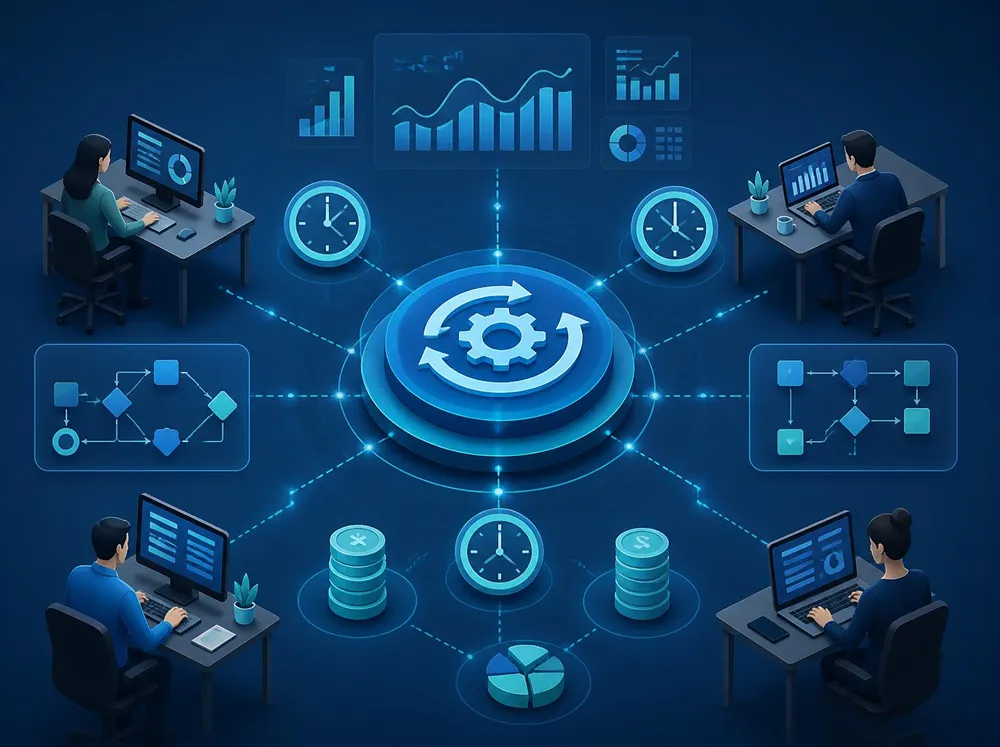
IT automation ROI is measurable. The challenge is that organizations often fail to establish a clear baseline before an automation project starts. The return may be real after implementation but difficult to demonstrate because there is nothing to compare it against.
Measurement should begin with three areas: time, errors, and response time.
1. Time
For any IT process being evaluated for automation, document the current state with specificity.
How many people touch the process? How much time does each person spend on it per week? What is the fully loaded cost of that time?
Those numbers produce a weekly and annual cost for the process as it currently operates.
A simple starting formula is:
Annual labor cost of process = hours spent per week × fully loaded hourly cost × 52
Once automation is implemented, run the same calculation using the remaining manual effort. The difference provides a straightforward measure of labor savings.
2. Error Rate
Manual IT processes can produce errors, including accounts provisioned with incorrect access levels, patches missed on specific device categories, or service requests routed to the wrong team.
Each error can create downstream costs through security exposure, service delays, compliance gaps, and rework.
Document how frequently these errors occur before automation and what it typically takes to correct them. Measuring the same figures afterward makes the improvement visible.
3. Response Time
Finally, measure how long the process takes from trigger to completion.
For user provisioning, that might be the gap between a new employee’s start date and the moment they have access to everything they need. For incident response, it could be the time between a ticket being created and the correct person being assigned. For patch management, it is the window between identifying a vulnerability and applying the necessary remediation.
Once these three dimensions are captured, the automation project has a specific target. When the automation is live, measure them again.
The difference is the return: specific, defensible, and directly attributable to the investment.
Which IT Processes Should You Automate First?
Not every IT process is worth automating first. The strongest starting points tend to be repetitive, rules-based, high-volume processes where errors or delays carry a measurable cost.
User Provisioning and Deprovisioning
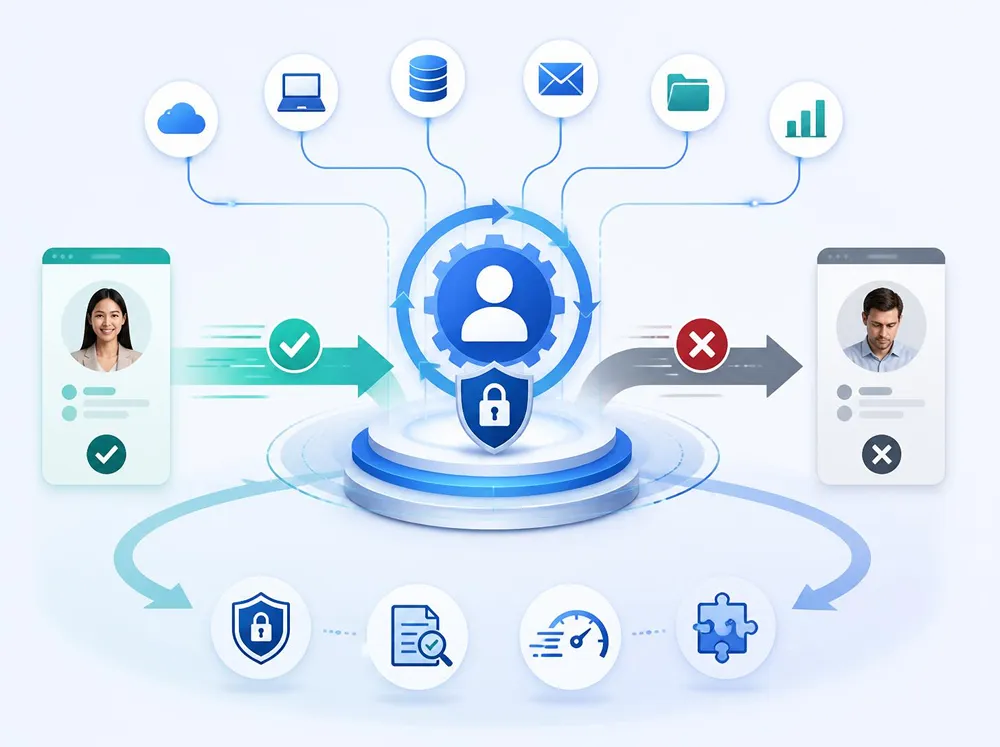
User provisioning and deprovisioning is consistently one of the strongest early candidates.
Every new hire needs accounts created and appropriate access granted across multiple systems. Every departure requires those permissions to be revoked completely and promptly.
Done manually, the process can be slow and inconsistent and can create security exposure when steps are missed, particularly during offboarding. Automation can standardize the lifecycle, execute routine steps quickly, and create an audit trail of the actions performed.
IT Service Request Routing
Service request routing is another high-return target.
When requests arrive through unstructured channels, they can be missed, misrouted, or left sitting in queues that are not actively monitored.
Automated intake and routing can direct requests to the appropriate person or team based on predefined rules while applying priority classifications, tracking requirements, and escalation paths.
Patch Management and Compliance Reporting
Patch management addresses one of the most persistent manual burdens in IT operations.
Tracking patch status across a device fleet by hand is time-consuming and vulnerable to human error. Automated monitoring can identify compliance gaps proactively, surface devices requiring attention, and produce reporting without requiring someone to repeatedly run the same manual process.
Backup Verification and Alerting
A backup that fails silently can create a false sense of security.
Automated verification can confirm whether backup jobs complete successfully and generate alerts when something fails, giving the IT team an opportunity to address the problem before it becomes part of a larger recovery incident.
How Does IT Automation Improve Security?
IT workflow automation is usually framed as an efficiency story. It is also a security story, and for many organizations that dimension carries equal or greater weight.
Manual IT processes create gaps because they depend on people consistently completing every required action as environments grow in volume and complexity.
Access that should be revoked may remain active because an offboarding step was missed. A device may not receive a critical patch because a manual tracking process failed to surface it. A quarterly access review may be delayed because someone has to remember to initiate it.
Automation helps reduce those dependencies by creating repeatable processes that execute according to predefined triggers, policies, and escalation rules.
That does not eliminate the need for IT professionals. Instead, it allows them to focus their attention on exceptions, higher-risk decisions, and work that genuinely requires human judgment.
For organizations operating in regulated industries, handling sensitive client information, or subject to compliance requirements, that security value can make automation compelling even before labor savings are calculated.
What Does IT Automation Mean for Internal IT Teams?
For organizations with internal IT staff, automation sometimes raises an understandable question: if routine work gets automated, what happens to the people doing it today?
In most environments, the opportunity is not simply reducing headcount. It is making better use of the expertise already on the team.
The IT professional spending hours manually routing tickets can redirect that time toward projects sitting on the backlog. The administrator provisioning accounts one at a time can focus on strengthening access controls and reviewing permissions. The person running repetitive patch checks can spend more time on security assessments, remediation, and planning.
Organizations can also benefit from involving their internal teams in the automation design process.
The people closest to a workflow know where the bottlenecks occur, which exceptions matter, and where automation could create unintended problems. Their input can produce better workflows while making the resulting automation more useful to the people working with it every day.
Where Should You Begin With IT Workflow Automation?
The best starting point is usually not the most complex process.
Look instead for a process that meets three criteria:
- It runs frequently. Recovered time and reduced errors can compound quickly.
- It is clearly defined. Predictable rules and inputs make the process easier to automate reliably.
- It has a measurable baseline. You can demonstrate whether automation actually improved the process.
Find the IT process in your environment that meets all three criteria. Start there. Measure the return. Then use that result to build confidence and momentum for more sophisticated automation.
The path to meaningful IT automation ROI does not have to be a single, large-scale transformation. It can be a series of deliberate, well-measured improvements that build on each other and deliver compounding value over time.
IT Workflow Automation FAQs
What is IT workflow automation?
IT workflow automation uses software, predefined rules, integrations, and triggers to perform repetitive IT tasks with less manual intervention. Common examples include user provisioning, ticket routing, patch monitoring, backup verification, alerts, and compliance reporting.
What IT processes should be automated first?
Organizations should generally begin with processes that happen frequently, follow clearly defined rules, consume significant staff time, and can be measured before and after automation. User provisioning and deprovisioning, service request routing, patch management, and backup verification are common starting points.
How do you calculate ROI from IT automation?
Start by measuring the current process. Track staff hours, fully loaded labor costs, error rates, rework, and completion or response times. Measure the same metrics after automation is implemented. The difference between the baseline and the automated process provides evidence of the return generated.
How long does IT workflow automation take to implement?
Implementation time depends on the complexity of the workflow, number of systems involved, quality of existing processes and data, security requirements, and the integrations required. A clearly defined repetitive workflow can often be addressed much faster than a complex process involving multiple systems and exceptions. The appropriate timeline should be established after the existing workflow and integration requirements are assessed.
Does IT automation replace internal IT staff?
IT automation is generally most valuable when it removes repetitive work from skilled IT professionals rather than attempting to remove human judgment altogether. Internal teams can then spend more time on security, infrastructure improvements, strategic projects, exception handling, and other higher-value work.
Can an MSP automate our existing IT processes?
Yes. A managed service provider can evaluate existing workflows, identify strong automation candidates, establish baseline measurements, build and integrate automated processes, monitor their performance, and refine them as the organization’s environment changes.
Build an IT Environment That Works Proactively
Ocean Solutions builds and manages IT workflow automation for organizations ready to move from reactive operations toward proactive IT management.
Whether you are identifying your first automation opportunity or scaling an existing program, the goal is the same: build workflows that save time, reduce avoidable errors, strengthen consistency, and produce measurable business value.
Reach out to the Ocean Solutions team to identify the IT workflows in your environment with the strongest potential for automation.